Saying when it was
A memory often belongs to a year: the summer of the trip, the flat you shared. Your square can say which, and where, so people can find the others from the same time.
When you're asked
Just after your square lands on the wall, you're asked once: When was this? The first time you add to a wall, it's on the card that says You're on it. After that it comes on a small card of its own in the same place.
There's a field for the year and one for the place. A photo fills them in itself when it knows, from the date it was taken and the nearest town to where. You can change what it filled in, or clear it.
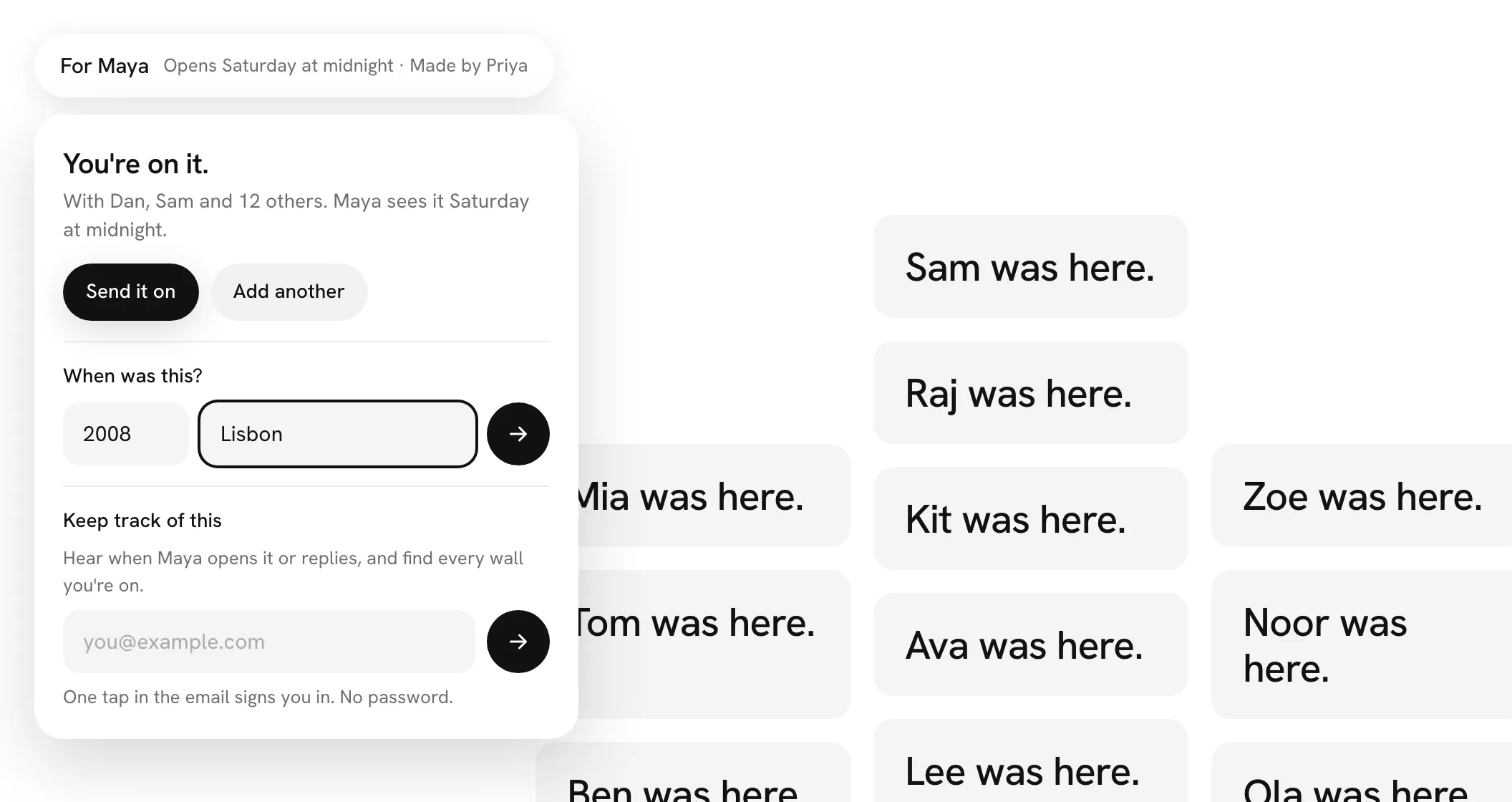
Give a year, a place, or both, and press the arrow. The year can be any from 1900 to this one, and the place up to 40 characters. Once it's saved, the You're on it card shows what you gave, such as 2008 · Lisbon; the small card simply goes.
It's up to you. Press anywhere else, or Escape, and the card goes and your square stays undated. You're only asked once for each square, and only for a square on the wall: one held on a full wall, or waiting for the host to approve it, isn't asked.
Seeing the year on the wall
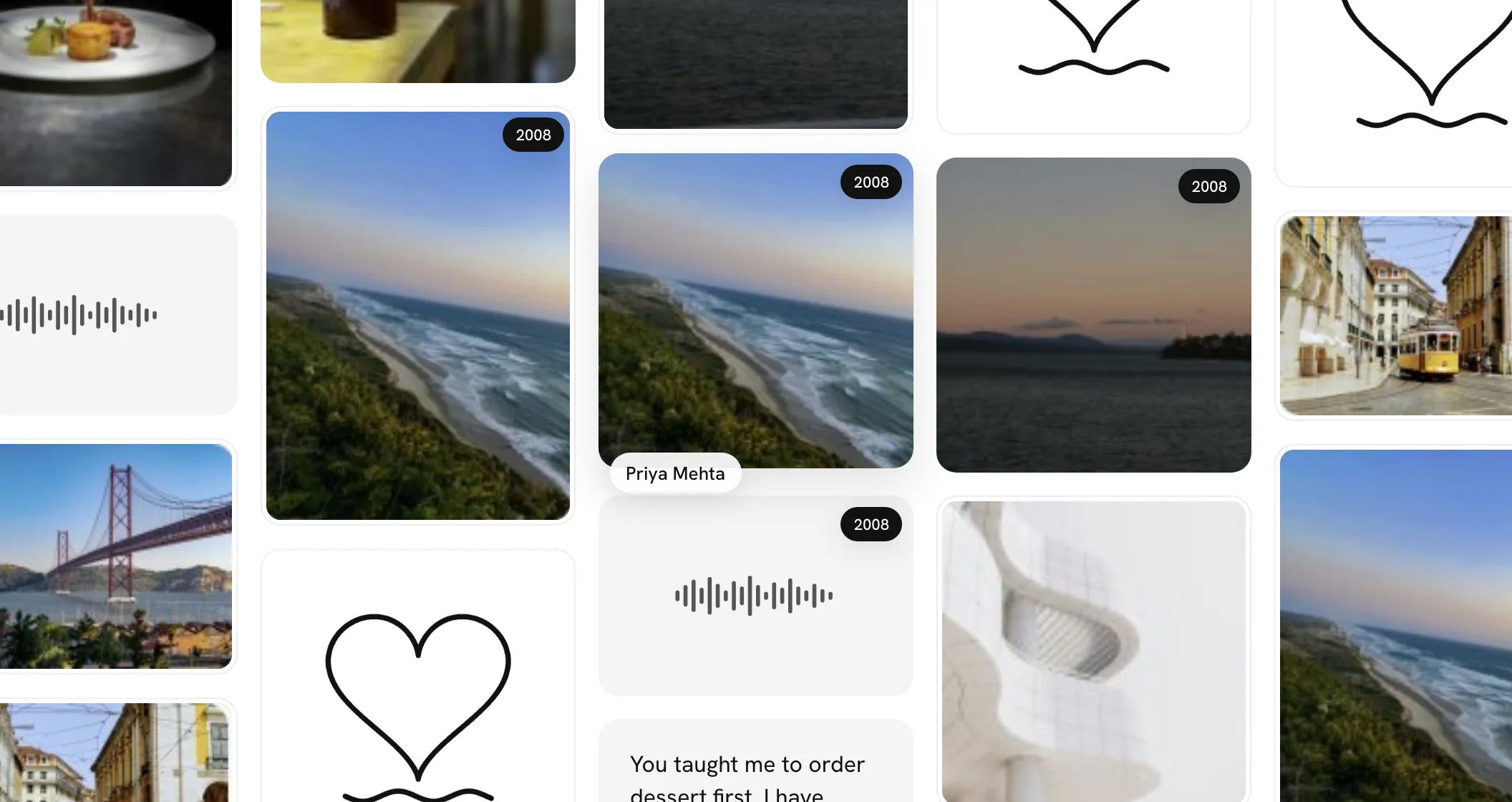
On a computer, rest the pointer on a square that has a year. A small black year shows in its top corner, and every other square on the wall from that same year shows its year too. Move away and they go. Nothing is sorted or moved, and there's no timeline: the years just show where they are.
On a phone, open a square and its year and place sit under the name, as in 2008 · Lisbon.
Elsewhere
When you make your version of a wall and two or more of the squares you picked have a year, By year puts them in the order of their years, oldest first. The printed book shows each square's year beside its name.