Adding your square
Someone sent you a link to a wall. Open it, press Add yours, make one thing, and it goes on the wall with your name. No account, no app, about a minute.
Where it goes
Add yours opens your square right on the wall, in the next free place, at the size it will be. The other squares stay around it, so you can see what people made and what is enough. One line is plenty.
The six kinds
The row under your square has the kinds this wall takes. The person who made it chose them, so you may see one, or all six.
- A line. Up to 600 characters. Its size fits how much it says: under 40 characters it is set big, so one good sentence looks finished; a long message is set small and easy to read. You see the size change as you type.
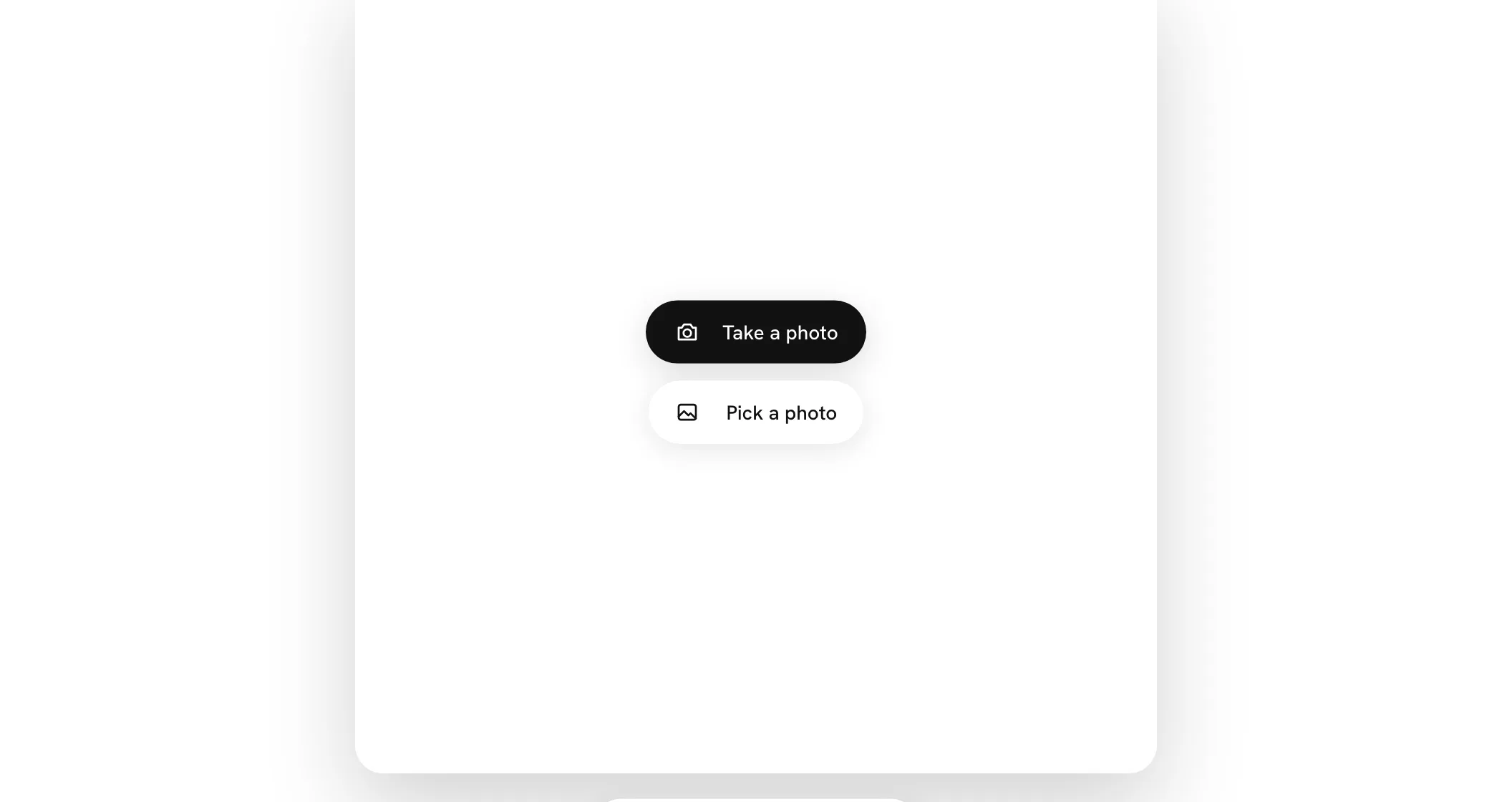
- A photo. Take a photo opens your camera right in the square: press the white circle. Pick a photo picks one from your phone or computer, up to 20 MB. It keeps its own shape.
- A voice note. Hold to record, up to 60 seconds. Let go, listen, and use Again if you want another go. When someone plays it, its wave moves with your voice.
- A video. Up to 10 seconds, square. Record a video opens your camera in the square: press the circle to start and again to stop, or let it stop itself at 10 seconds. Or pick one and trim it.
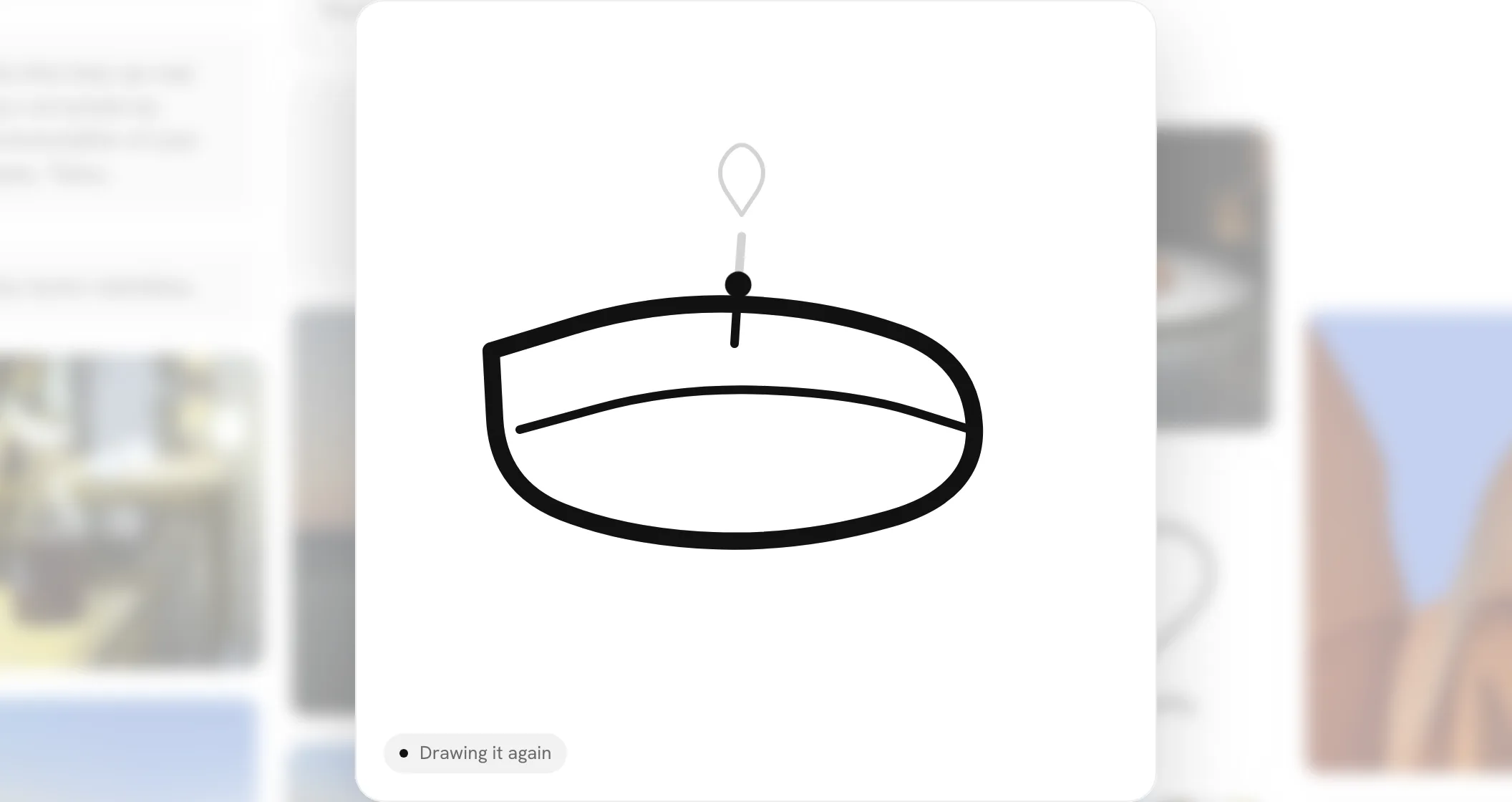
- A drawing. Draw it with your finger or the mouse. Ugly is fine. When someone opens it, it draws itself again, stroke by stroke at the pace you drew it, a dot leading like the tip of your pen, with Drawing it again in the corner. A tap skips to the finished drawing. Zoomed in on the wall, it plays back too.
- A song. Search for a song, or paste a link from Spotify or Apple Music. The wall plays a short preview.
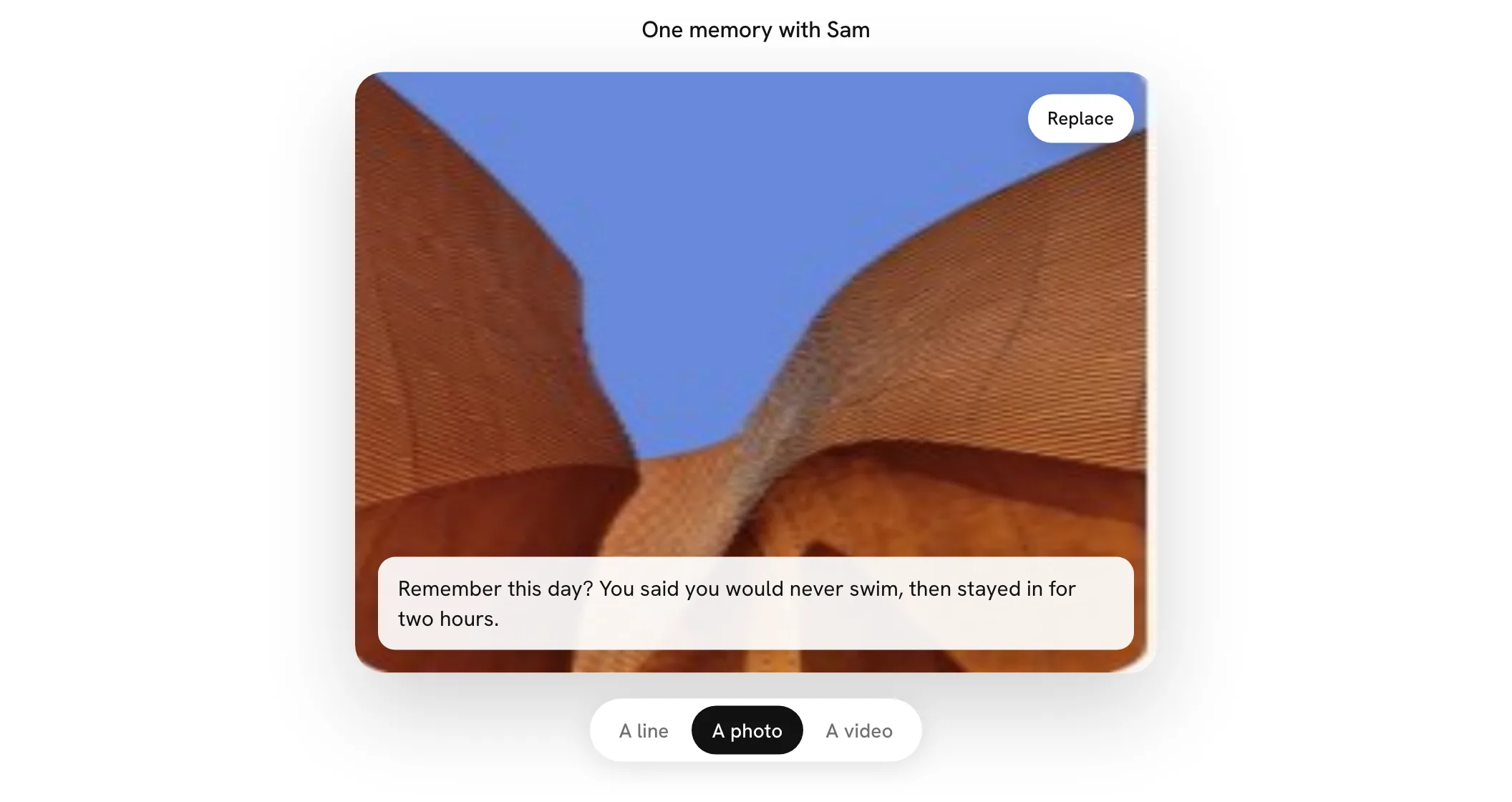
A photo or a video can carry a line, if you like: write it in the card across the bottom, up to 200 characters. It shows under your name when the square is opened, and on the square when someone zooms in close.
Sending it
The first time on a device, Your name pulses beside Add it. Press it and a small card asks your name and, if you like, your handle; Add it waits until you have a name. Then press Add it: your square flies to its place and your name goes up. If you are offline, it sends when you are back.
After
A card says who else is on the wall and when it opens. From there you can send the link on, and leave your email to hear when the person opens it or replies to you.