Making a Moment
Two squares on a wall sometimes belong together: the same beach eighteen years apart, a photo and the voice note about it. A Moment puts two or three of them side by side under one line, as a square of its own. The squares themselves stay where they are.
Starting one
Press the wall's name at the top left, then Make a Moment. Or open a square and press Moment, beside or under its name, and it is already picked. You need to be signed in; if you are not, Fube asks you to, then brings you back.
Moments can be made on a wall for someone once it has opened, while it is open. Question walls start with them off.
Picking
The top reads Pick two or three squares that belong together. Tap each one; tap again to take it out. With two picked, press Make a Moment with these two, or pick a third first.
The line
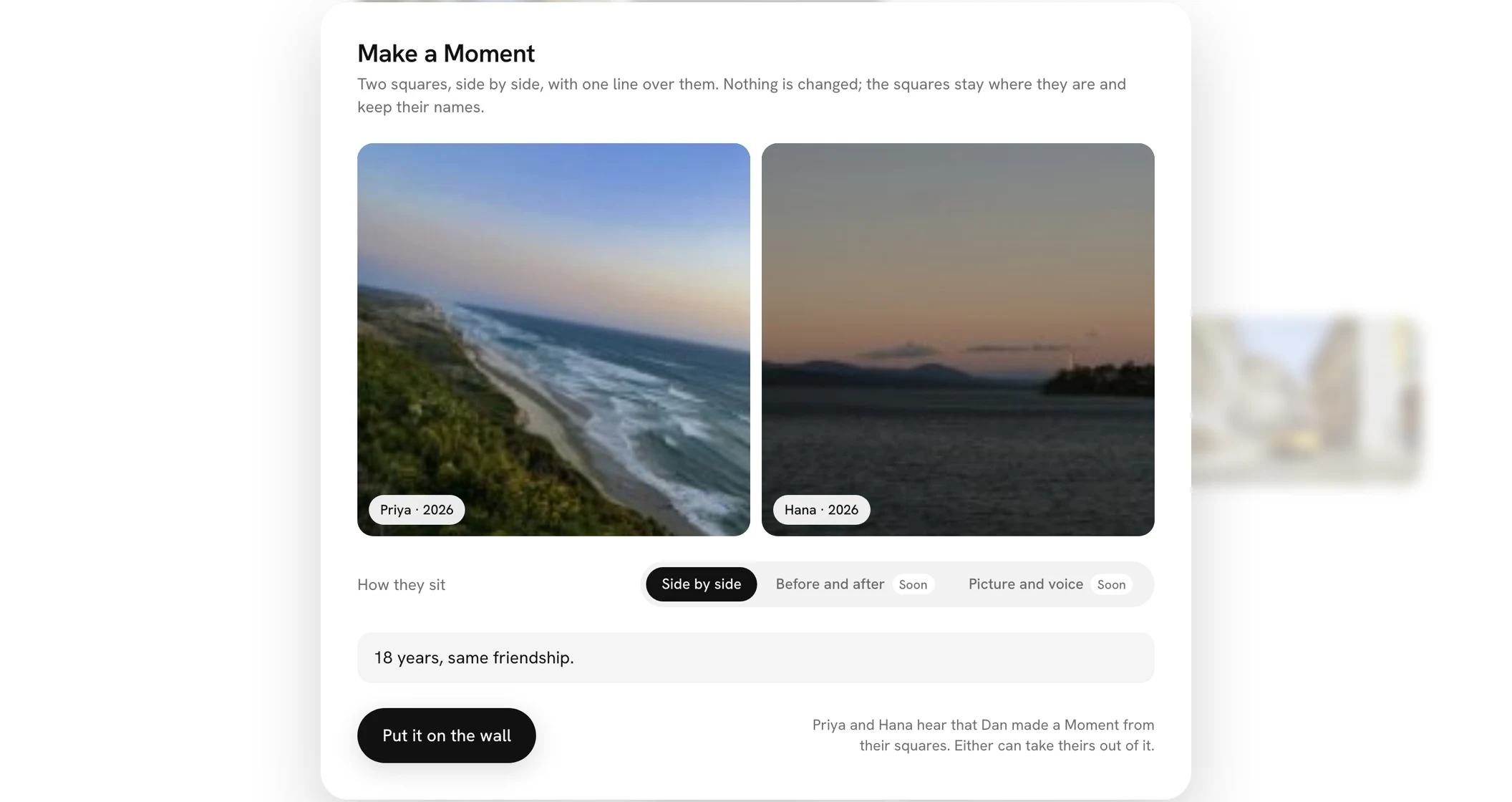
The card, Make a Moment, shows the squares you picked with each one's name and year. How they sit is Side by side; the other ways say Soon. Write the line that goes over them, like a title, up to 120 characters. It needs one.
Under it, the card says who will hear of it. Then Put it on the wall.
On the wall
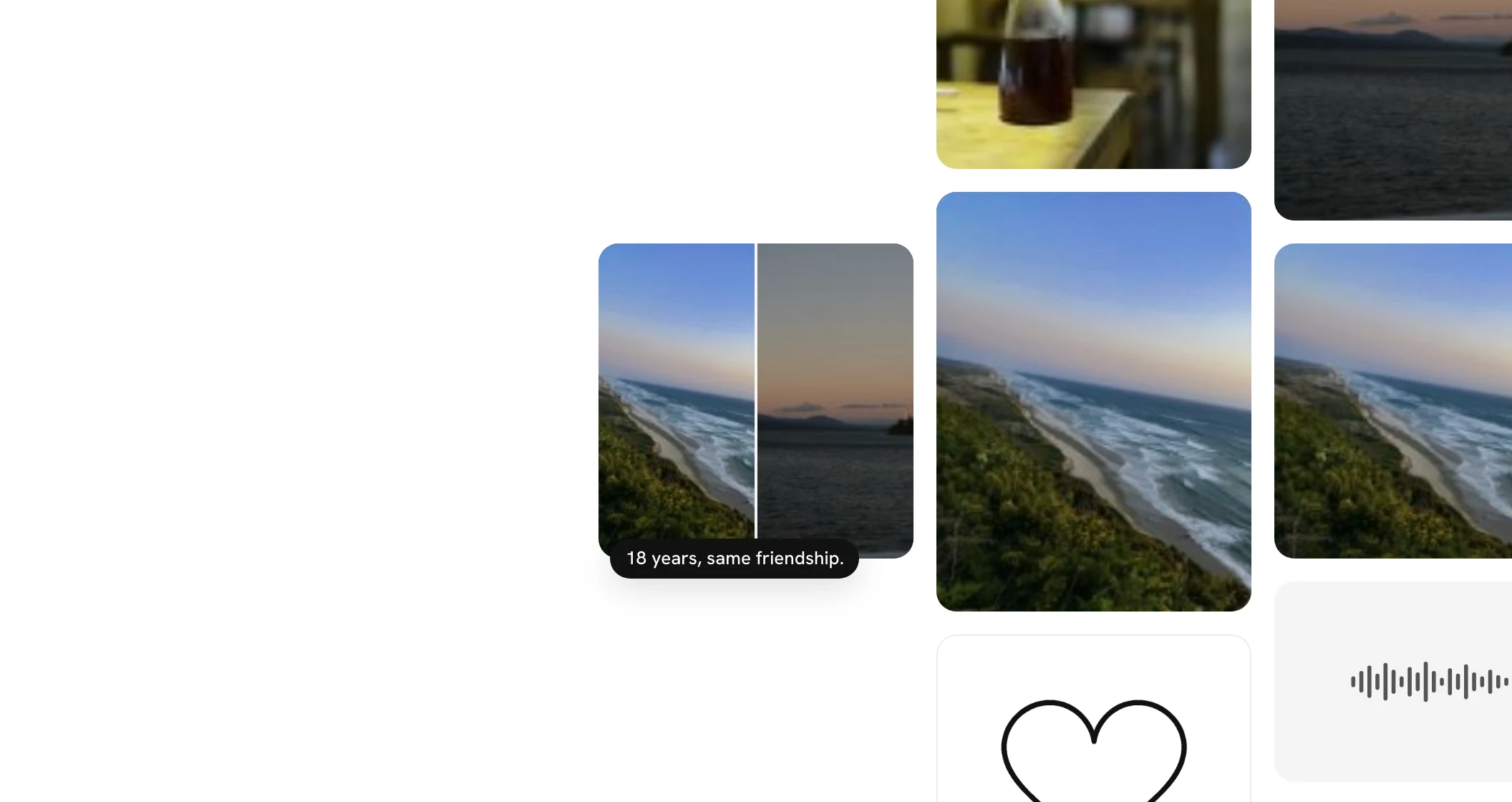
The Moment lands in the next free place on the wall, as any square does, and counts toward the wall's limit; a full wall takes no more. Its tile shows the squares side by side under a black pill with your line.
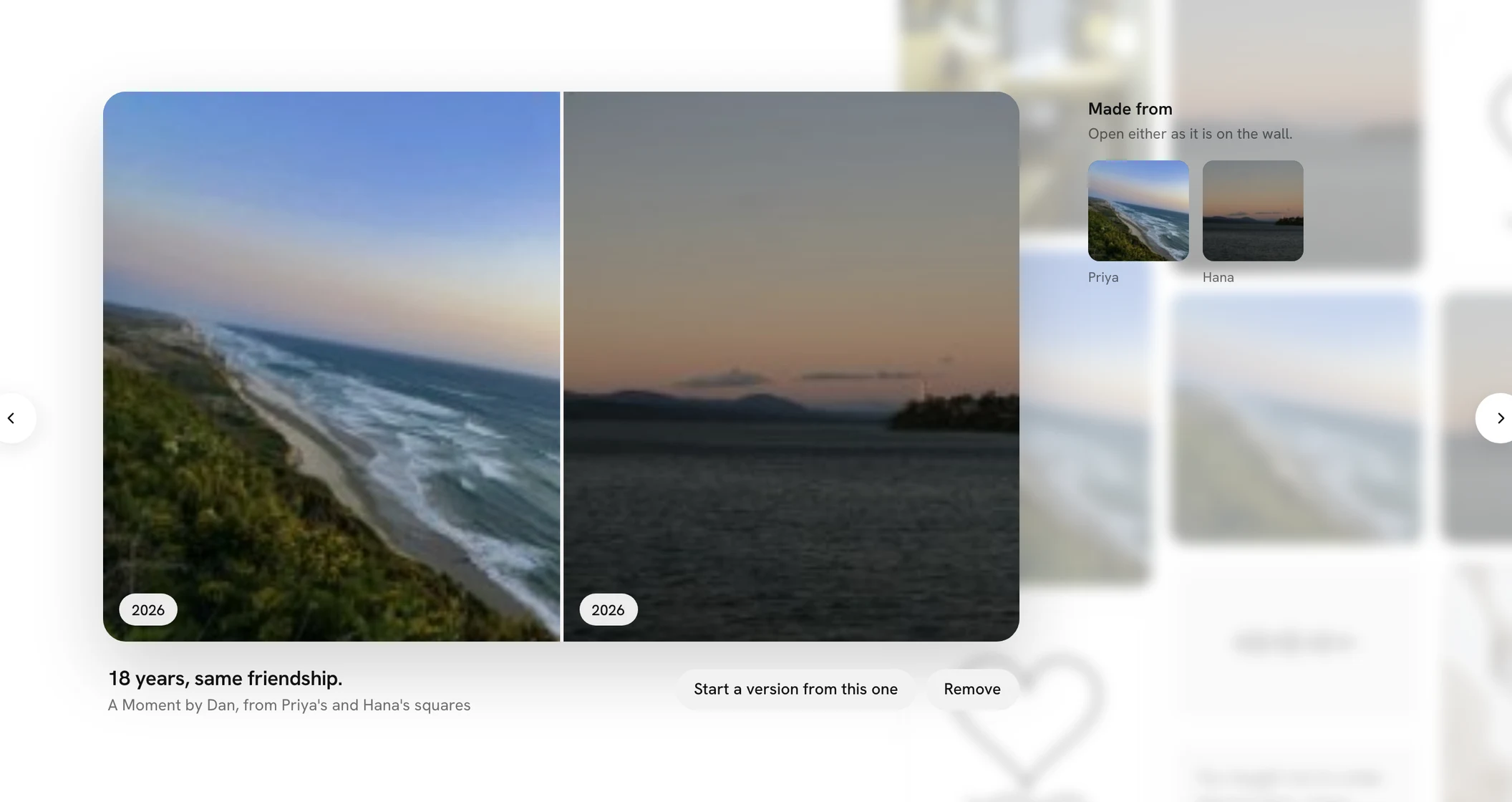
Opened, each square shows at full size with its year, your line is its name, and under it A Moment by you, from whose squares it is made. Made from lists them, and any of them opens as it is on the wall.
The people whose squares you used
Each of them hears, in Activity, if they have an account: [Name] made a Moment from your square. Beside it is Take mine out. Their square leaves the Moment and the rest stay. If only one is left, the Moment comes off the wall and you are told why. There is no mail for Moments.
Removing one
You, or the wall's organiser, can open it and press Remove. The squares in it stay where they are. If a square in a Moment is removed from the wall, it leaves the Moment too.
The organiser can turn Moments off with Let people make Moments from squares, on the wall's page; the ones already made stay. Moments are left out of the printed book, the recap and the last square of the reveal.