Answering someone's square
Sometimes the best thing to add is an answer to someone else's square: the other half of a story, a photo from the same day. Add to this puts yours on a pile behind theirs, so the two are found together.
Where it is
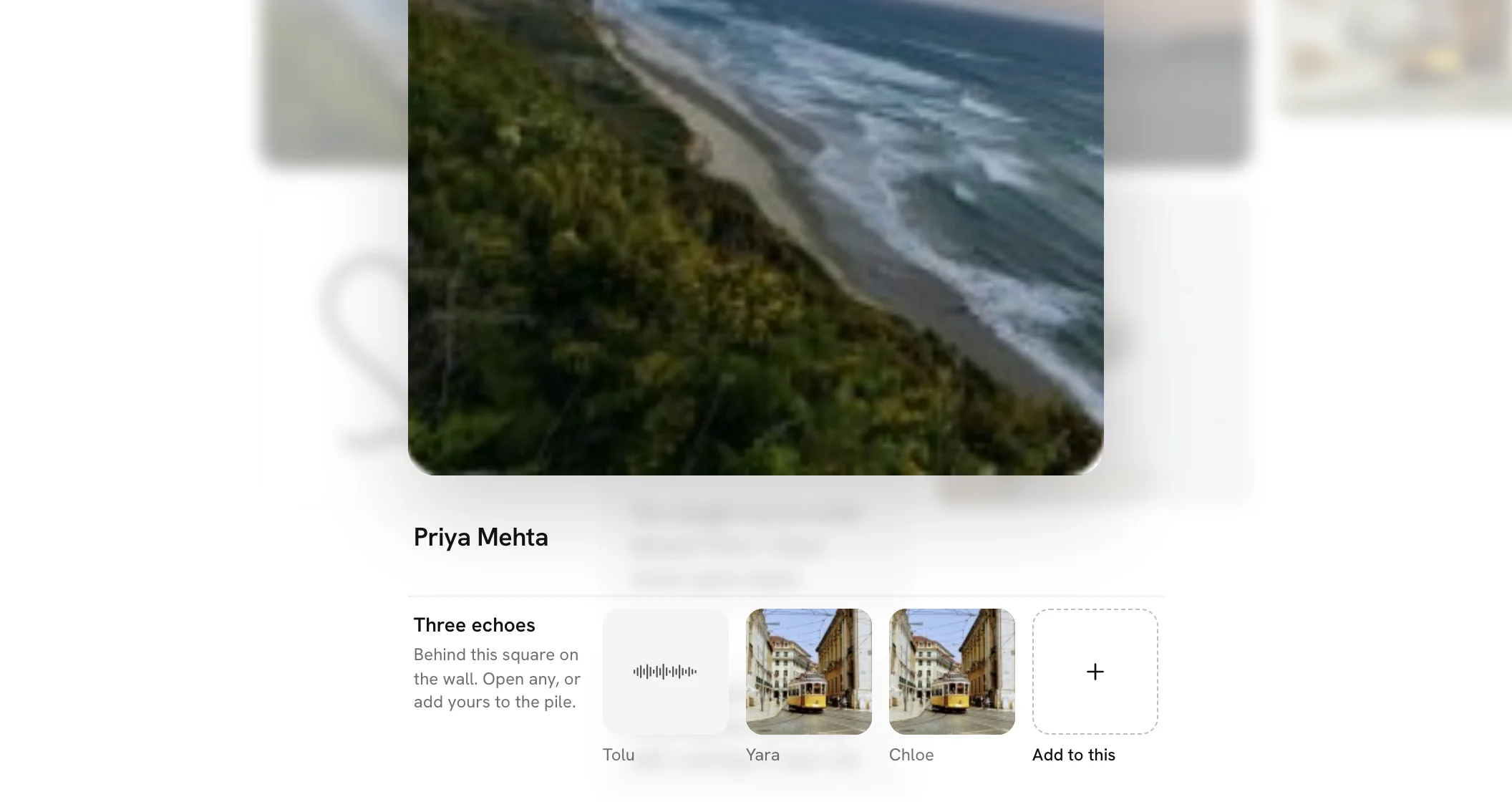
Open any square on the wall. Under it is a row of the squares already behind it, and at the end a dashed square that says Add to this. A square with nothing behind it yet shows Add to this alone.
Adding yours
Press Add to this. The square closes and the composer opens, saying what you are answering, such as An echo of Dan's photo, with It goes on the pile behind it under that. The question in it fits the square: What do you remember of that day? for a photo, What would you add to that? for a line.
You can answer with a line, a photo, a voice note or a video, whichever of those the wall takes. Then Add it, as with any square. You're taken back to the square you answered, with yours at the end of the row under it. Close the composer without adding and you're back on the square too.
The pile
Yours sits behind the square it answers. It takes no place of its own on the wall. The square shows one grey edge behind it for one answer, two for more. On a computer, rest the pointer on it and its name shows how many are there; on a phone, open it.
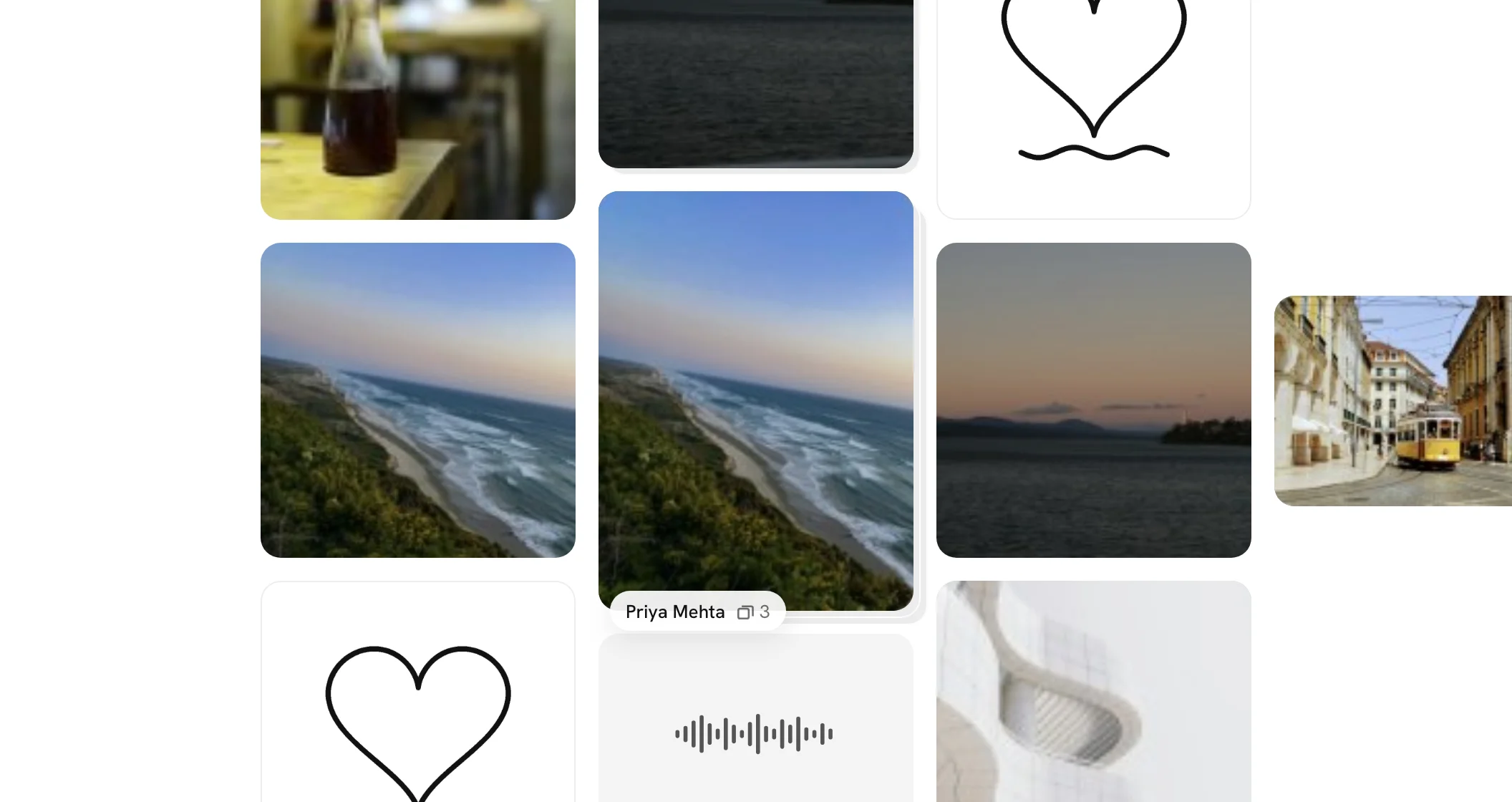
Opened, the square says how many are behind it, such as Three echoes, with the row under it. The first is always the square that started the pile, marked original, and the rest follow oldest first. Previous and Next, or the arrow keys, go through the whole pile before moving on along the wall. Tap any in the row to open it.
Who hears about it
Whoever made the square you answered hears that you did, if they gave their email or have an account: [Name] answered your square. in Activity, and a mail when A reply lands is on in Tell me when. Anyone looking at the wall as yours lands sees it too, for a moment. The organiser is not mailed about answers.
When you can
Add to this shows while the wall still takes squares: before it opens, and after only on a wall that stays open as it fills. The person the wall is for does not see it. An answer counts as a square, so it counts toward the wall's limit, and on a wall that takes one square each it is your one.
For the organiser
It is on for walls for someone and off for question walls. Let people answer each other's squares, on your wall's page, turns it off; the piles already there stay. You remove an answer like any square. If the square at the bottom of a pile is removed, the answers behind it go with it.