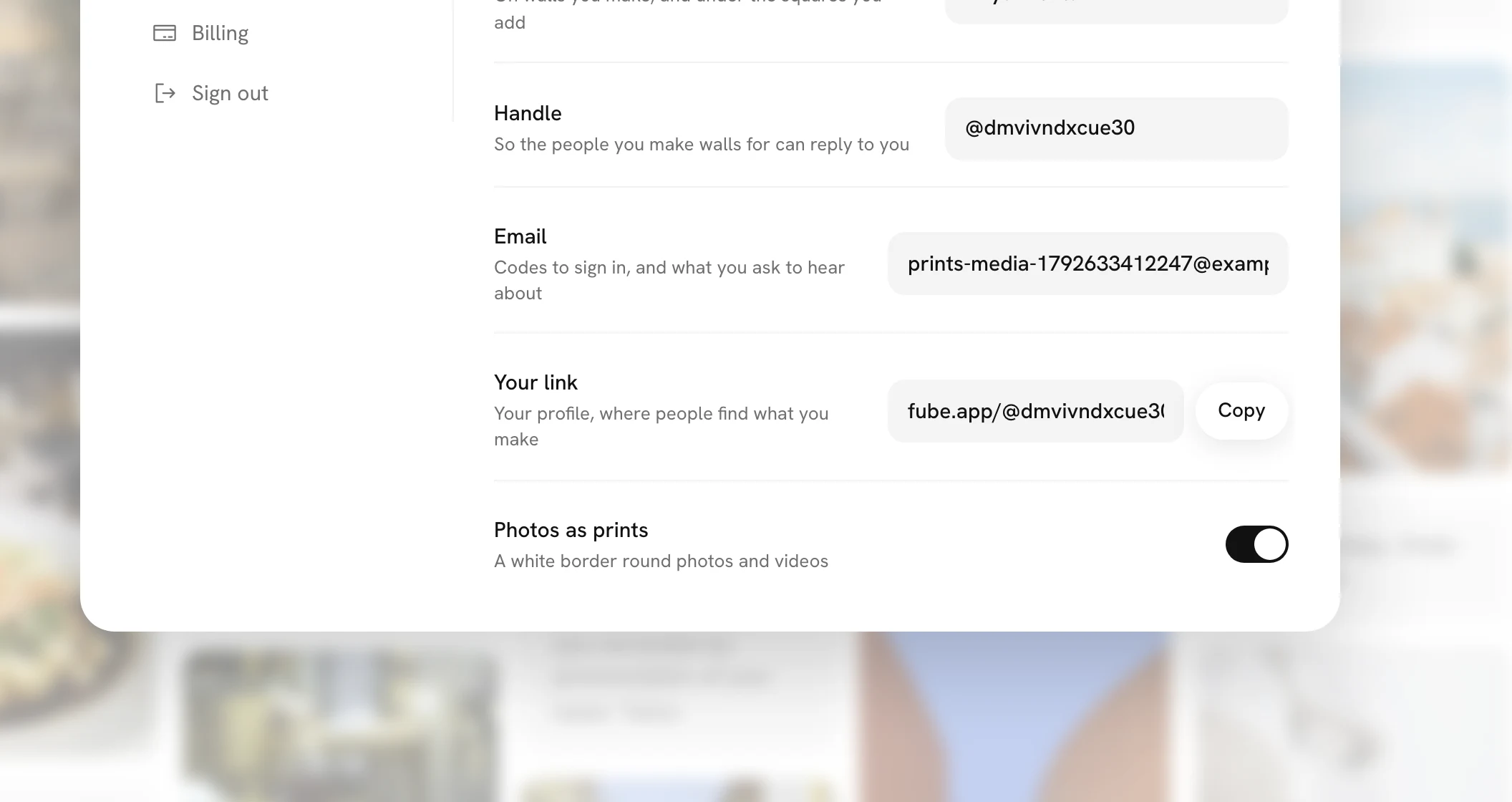
Photos as prints
Photos and videos on a wall sit in a thin white border, like prints you could pick up off a table. If you would rather see them edge to edge, there is a switch for that in Settings.
What a print looks like
Every photo and every video on a wall has a white border around it, with a fine grey edge, and the picture sits inside with its own rounded corners. Lines of words, voice notes, drawings and songs have no white border, because they are not photos. A Moment, where two or three squares sit side by side, has none either.
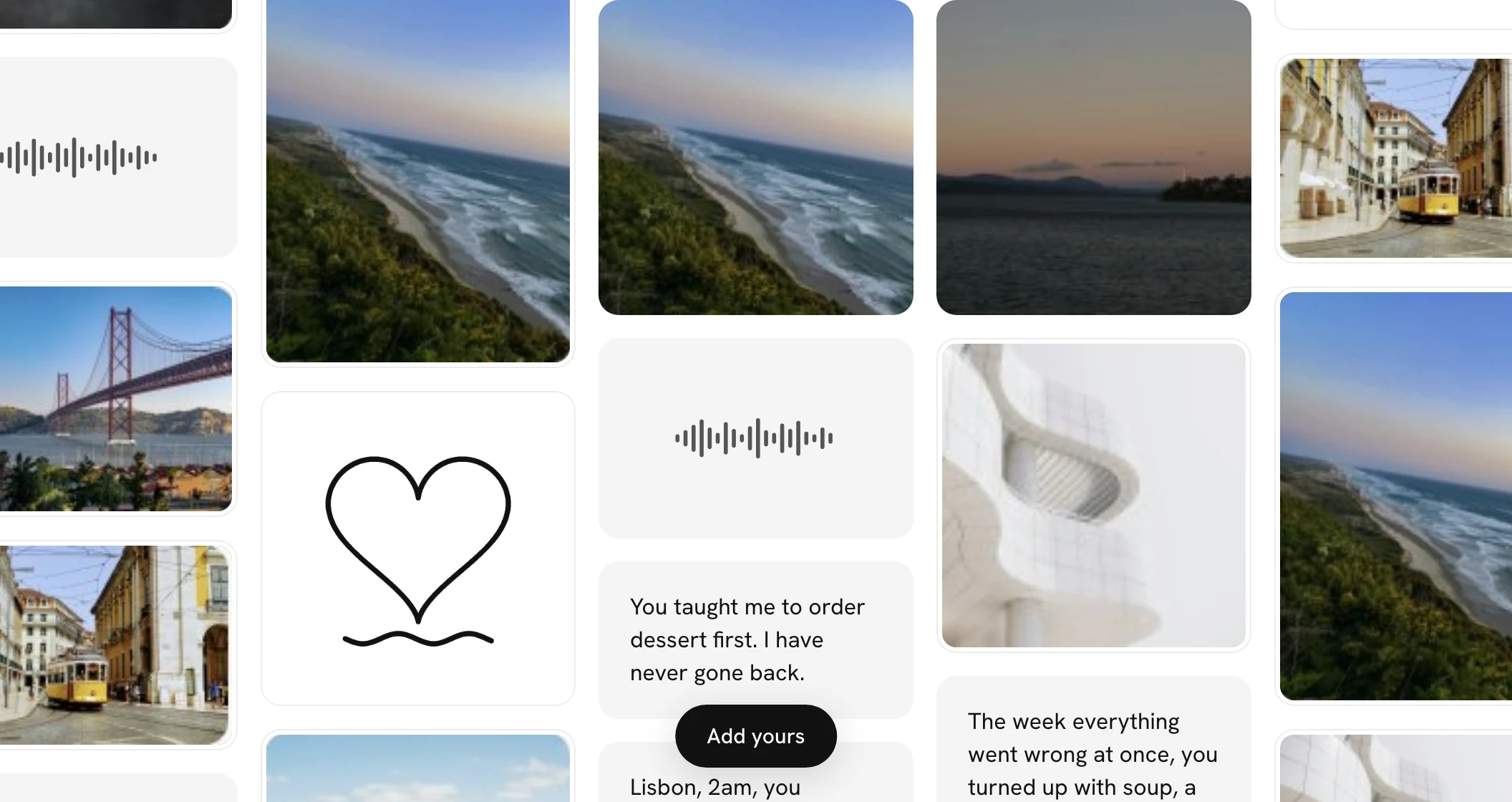
When you open a photo or a video, it opens at full size as it always has. The border is only on the wall.
A little tilt
With a mouse or a trackpad, rest your pointer on any square and it lifts, as before, and tips very slightly toward where your pointer is, like a card in your hand. Move across it and it follows. It does not happen on a phone or a tablet you touch, or if your device is set to reduce motion.
Turning the border off
Open Settings from the menu, and on You, the last row is Photos as prints. Turn it off and photos and videos fill their squares again, on every wall you look at while you are signed in, on any device you are signed in on. It saves as you switch it, and the walls you go to next show the change. The tilt stays either way.