Signing in with a code
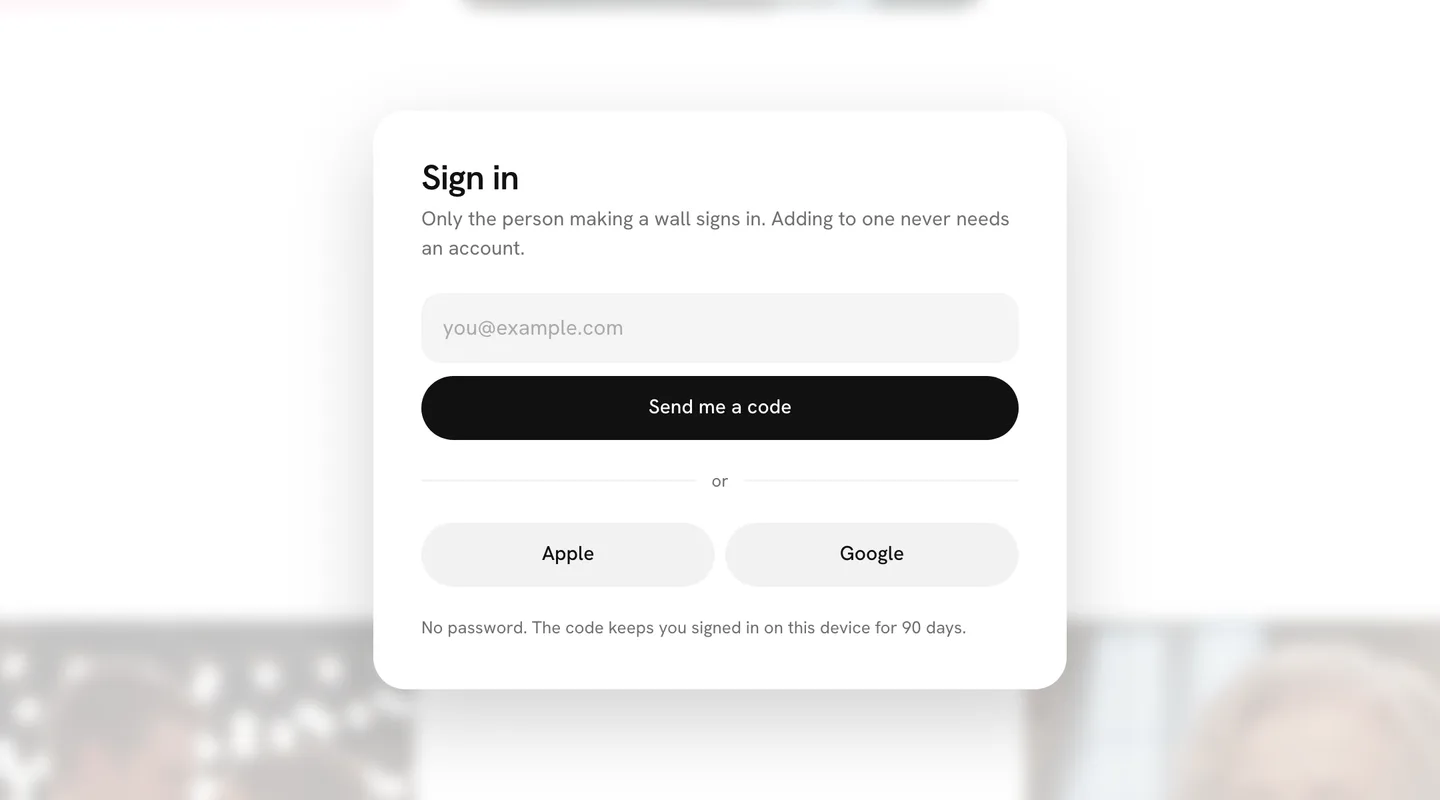
There is no password to remember. Type your email, and a six-digit code comes to it. Type the code where you asked for it, and you are in.
Where is my code
The code comes by email, from Fube, to the address you typed. It usually lands within a few seconds. If it is not there:
- Look in spam or junk, and in any Promotions or Updates tab.
- Check the address on the sign-in screen. A typo sends the code somewhere else; go back and type it again.
- After 30 seconds, press Send it again. A new code comes.
How long it works
A code works for ten minutes, once. After that, ask for a new one. That way a code someone finds in your inbox later is no use to them.
Too many tries
Type a wrong code five times and the screen asks you to wait 15 minutes before trying again. Asking for more than five codes in an hour stops new ones until the hour is up. Both are there to stop someone guessing their way into your account.
Apple and Google
On the sign-in screen you can also continue with Apple or Google instead of a code. It finds your account by the email Apple or Google gives, so you can switch between them. If you hide your email with Apple, that is a different address, and a separate account.
Staying signed in
Once you are in, that device stays signed in for 90 days, or until you choose Sign out in the menu. Each device signs in on its own.