Your page for a wall
Every wall you make has a page of its own, where you look after it while it fills and after it opens. Press the wall on Home to get there. The menu under your name has Your walls at the top, so Home is always one press away.
What is on it
At the top is the wall itself, live, with its name beside your name. Under it, a line says where the wall is: how many squares are in, and when it opens. The pills beside that line move the time: Change the time, Open it as it fills, and Open it now. Each one asks first in a small card, which you can close with its ×, a press anywhere outside it, or Escape.
Then come the people still to add, under Not yet, each with Send the link or Nudge. Nudge everyone gives you one message for all of them, with the wall's link.
The squares
On the wall shows every square that is in, with the name of the person who added it and when. Press a square and it opens, big, with its name, the same way it opens on the wall.
Everything else you can do with a square is under the ⋮ beside its name:
- Make it the last one picks the square the person sees last in the reveal. It gets a black Last on its corner. You can change it until the wall opens.
- Remove it takes the square off the wall. A card asks first and says the person who added it won't be told. Press Remove it to go ahead, or Keep it.
- Link to a person shows when someone added a square without being on your list of names. Pick the name on your list that is them, and Fube knows the square is theirs.
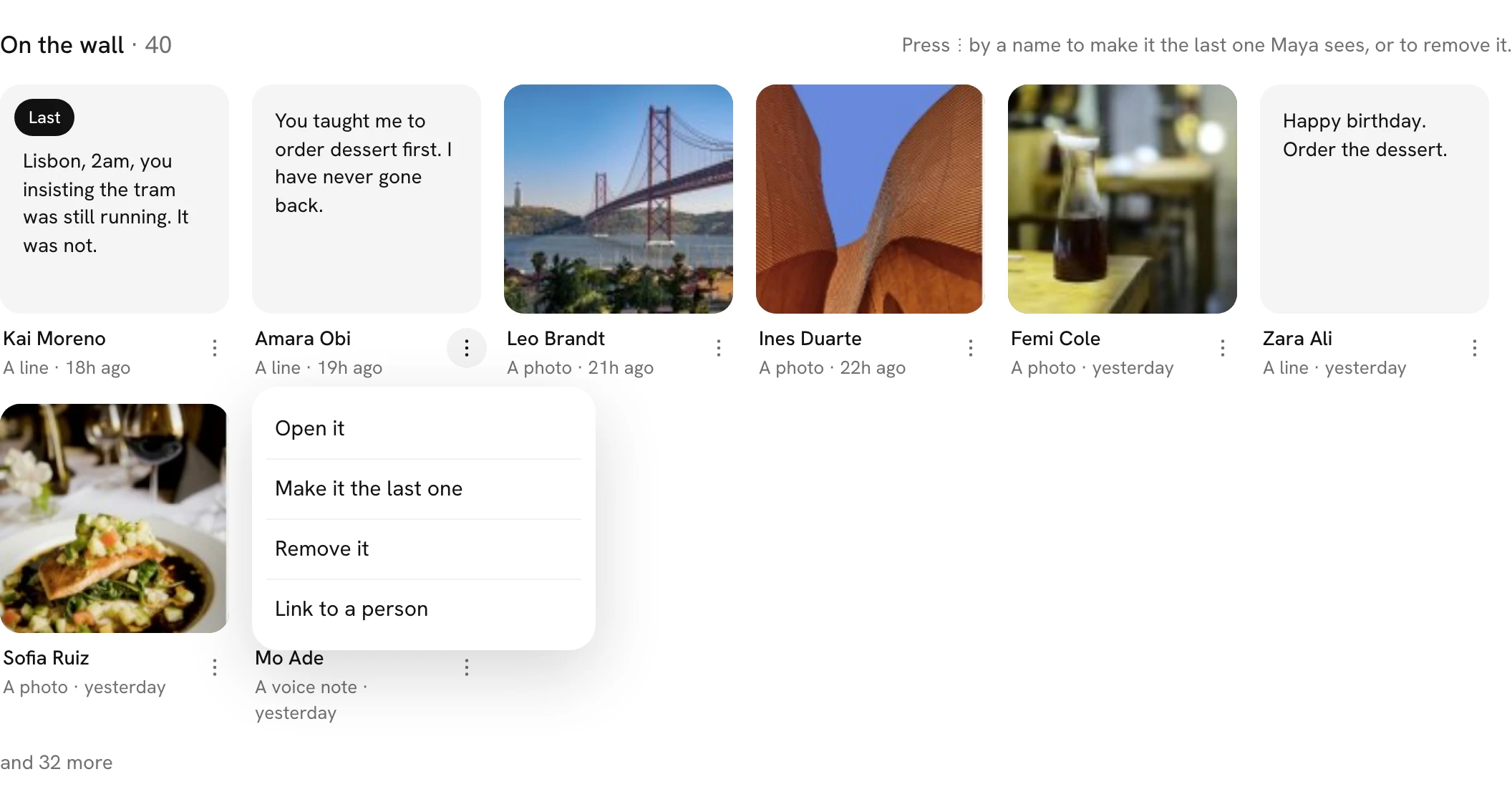
Once the wall has opened, Make it the last one goes, and Newest and Most reacted sort the squares by when they came in or by how many reactions they have.
Seeing it as them
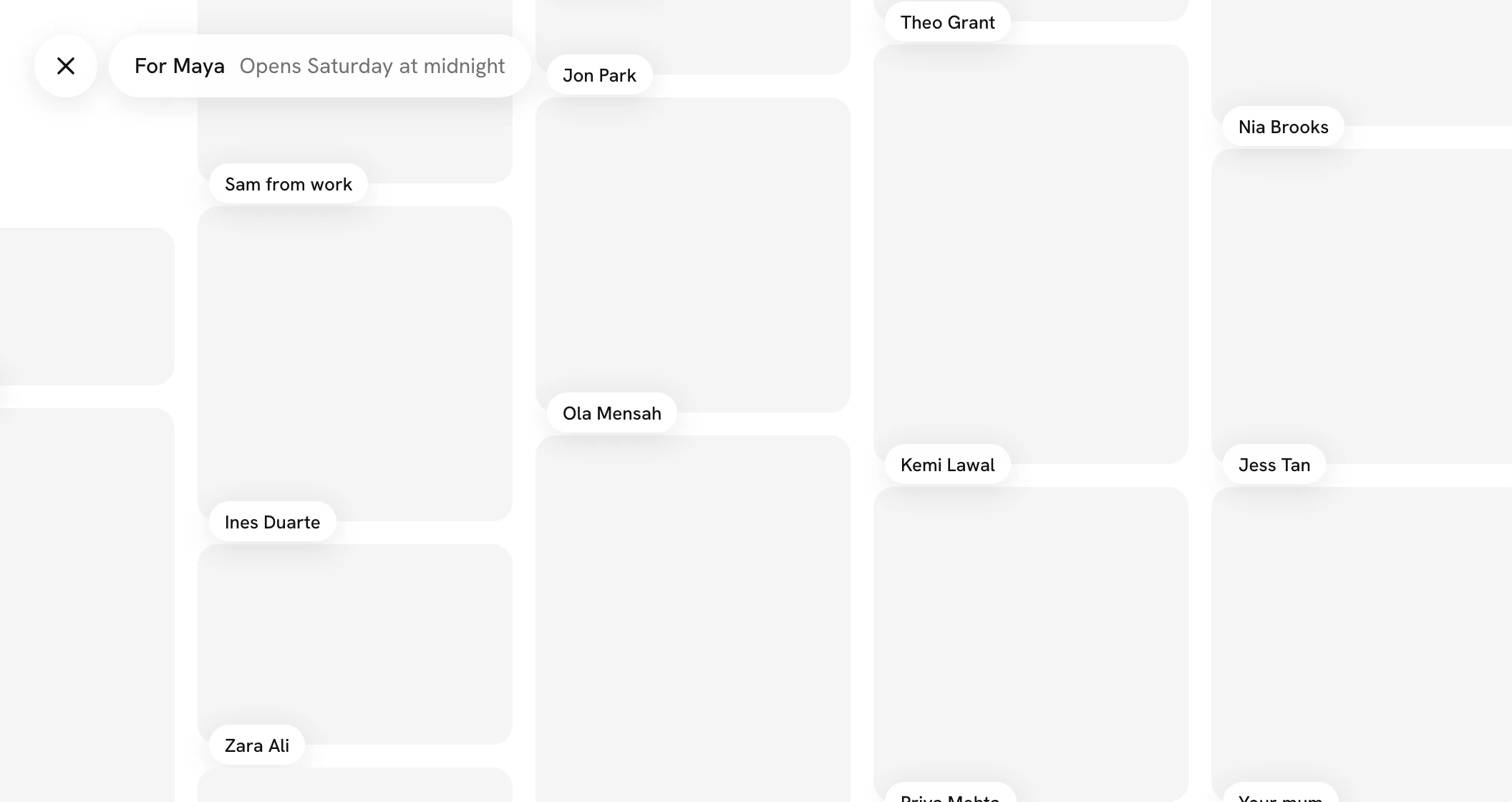
On a wall for someone, the pill at the top reads See it as and their name. It shows you the wall the way they see it on their link right now: face down with the time it opens before the day, and the door once it has come. On a wall you open yourself, it reads See your door. A wall everyone opens together has none.
Open the wall, next to it, shows you the wall as everyone else sees it.
When you open a wall from Home or from this page, a white × sits before the wall's name at the top left. Press it and the wall steps back to the page you came from, as you left it. A wall opened from a link in a message, in a tab of its own, has no ×: it is the wall on its own.
When something is not right
At the foot of the page, Something not right? Message us opens Send feedback right there, over the page. Say what happened in your own words; a picture of the screen goes with it unless you turn it off, and a person reads every one.